spring+redis实现redissession共享

hlmk
5月 27, 2018

添加依赖
<dependency>
  <groupId>org.springframework.session</groupId>
  <artifactId>spring-session-data-redis</artifactId>
  <version>1.2.1.RELEASE</version>
</dependency>
<dependency>
  <groupId>redis.clients</groupId>
  <artifactId>jedis</artifactId>
  <version>2.8.1</version>
</dependency>
xml配置
配置SpringMVC
spring-mvc.xml
    <!--将session放入redis-->
    <bean id="redisHttpSessionConfiguration" class="org.springframework.session.data.redis.config.annotation.web.http.RedisHttpSessionConfiguration">
        <!--初始化cookie信息-->
        <property name="cookieSerializer" ref="cookieSerializer"/>
        <!--session过期时间-->
        <property name="maxInactiveIntervalInSeconds" value="600"/>
    </bean>

    <!--定义cookie session名称-->
    <bean id="cookieSerializer"   class="org.springframework.session.web.http.DefaultCookieSerializer">
        <property name="cookieName" value="SESSION"/>
    </bean>

    <!--配置redis连接池-->
    <bean id="jedisPoolConfig" class="redis.clients.jedis.JedisPoolConfig">
        <!--允许开启的最大连接数-->
        <property name="maxTotal" value="100"/>
        <!--最大空闲连接数-->
        <property name="maxIdle" value="10"/>
    </bean>


    <!--jedis连接工厂配置
        destroy-method : 容器销毁之前执行的方法
    -->
    <bean id="jedisConnectionFactory" class="org.springframework.data.redis.connection.jedis.JedisConnectionFactory" destroy-method="destroy">
        <property name="hostName" value="${redis.host}"/>
        <property name="port" value="${redis.port}"/>
        <property name="password" value="${redis.pass}" />
        <property name="timeout" value="3000"/>
        <property name="usePool" value="true"/>
        <property name="poolConfig" ref="jedisPoolConfig"/>
    </bean>
web.xml添加拦截器
<!--添加redis session拦截器-->
  <filter>
    <filter-name>springSessionRepositoryFilter</filter-name>
    <filter-class>org.springframework.web.filter.DelegatingFilterProxy</filter-class>
  </filter>
  <filter-mapping>
    <filter-name>springSessionRepositoryFilter</filter-name>
    <url-pattern>/*</url-pattern>
  </filter-mapping>
使用spring-session
只要使用标准的servlet api调用session,在底层就会通过Spring Session得到的,并且会存储到Redis或其他你所选择的数据源中。
这里是我写的一个demo:
@Controller
public class RedisSession {

    private final Gson gson = new GsonBuilder().setDateFormat("yyyyMMddHHmmss").create();

    @RequestMapping(value = "/login")
    public String login(HttpServletRequest request, String username){

        request.getSession().setAttribute("user", gson.toJson(new User(username,"123456")));

        return "login";
    }

    @RequestMapping(value = "/index")
    public String index(HttpServletRequest request, Model model){

        User user = gson.fromJson(request.getSession().getAttribute("user").toString(), User.class);

        model.addAttribute("user", user);

        return "index";
    }

}
测试
首先访问 http://localhost:8080/login?username=%E5%BC%A0%E4%B8%89 来触发生成session。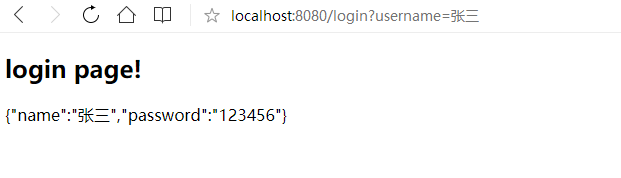
查看redis,发现session已经保存到redis。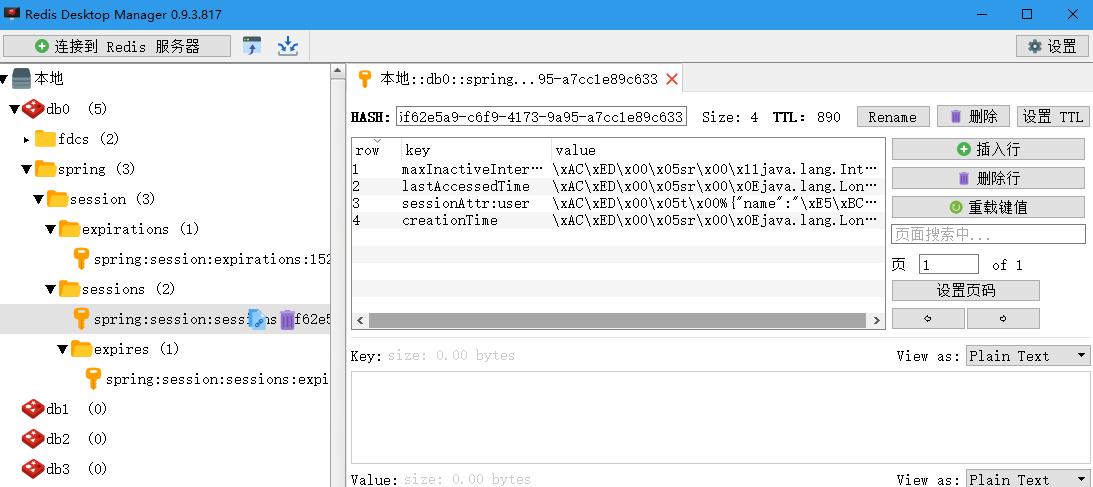
访问 http://localhost:8080/index 获取redis中sessiion信息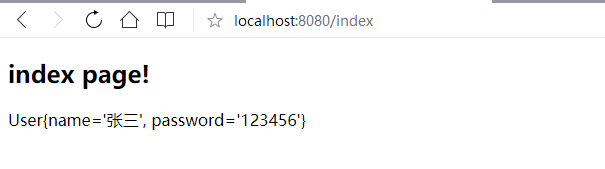
访问第二个启动实例 http://localhost:8081/index 回去redis中session信息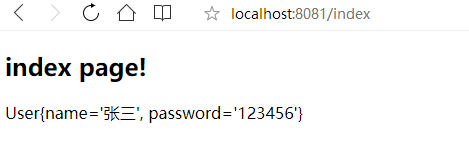
至此发现两个启动实例中,都可以访问到redis中的session信息,说明,测试成功。
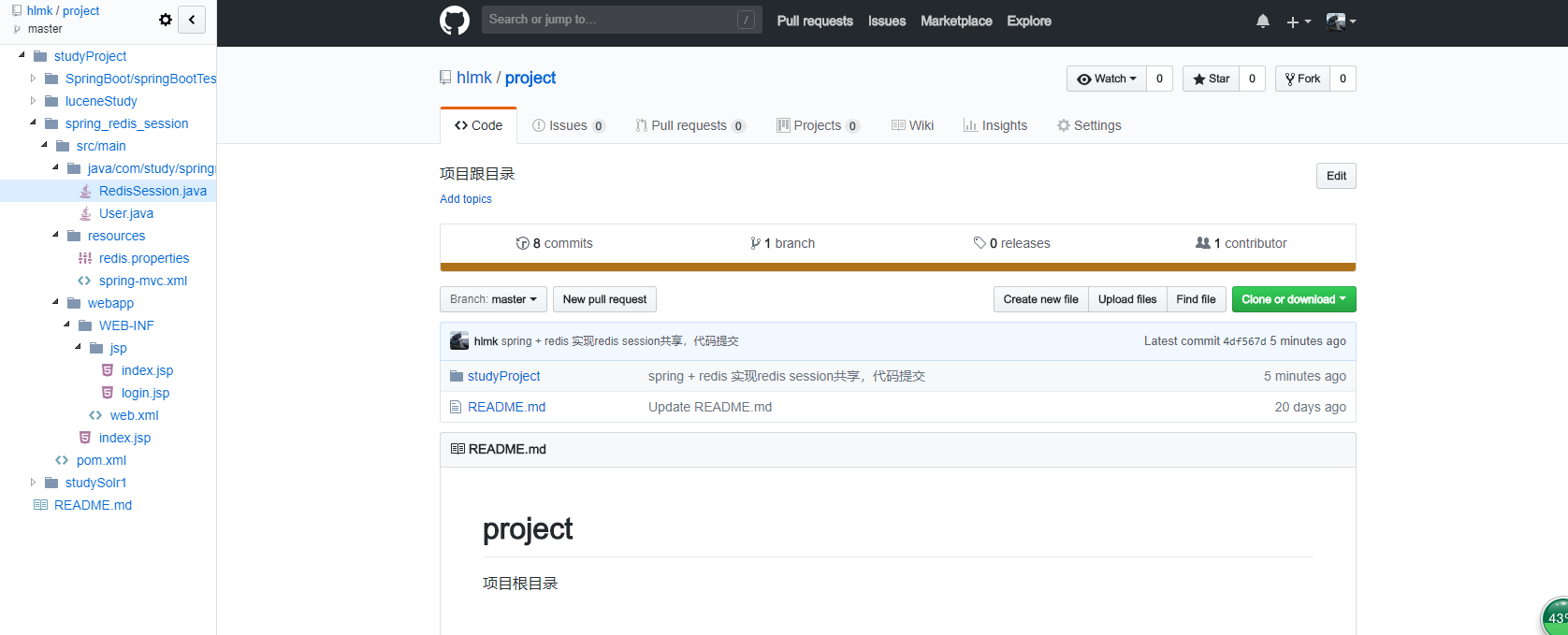
项目地址:https://github.com/hlmk/project/tree/master/studyProject/spring_redis_session
可以在浏览器装 Octotree 插件更好的浏览github代码
效果如下图